
Get the app
XoraPro is on Google Play
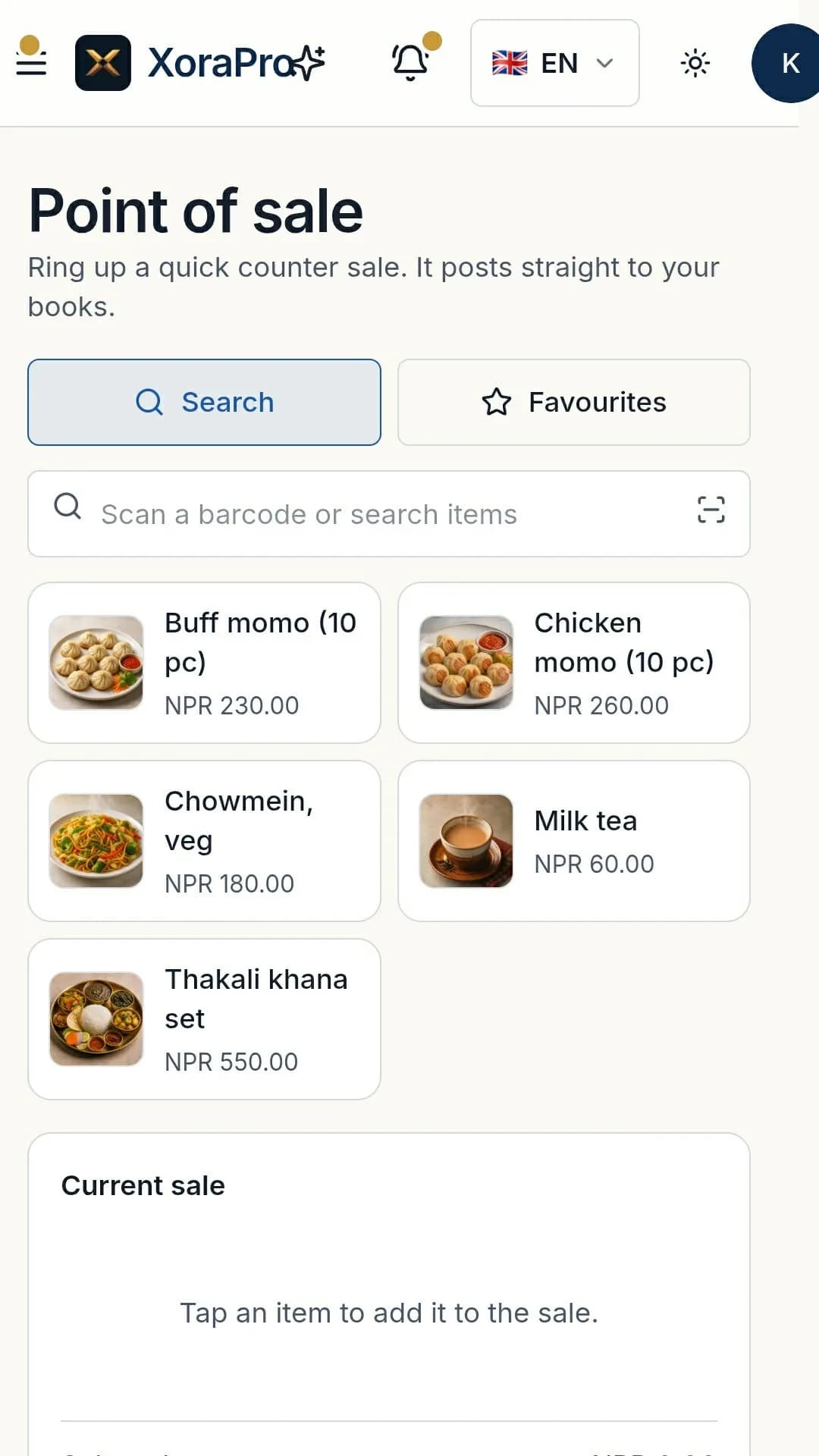
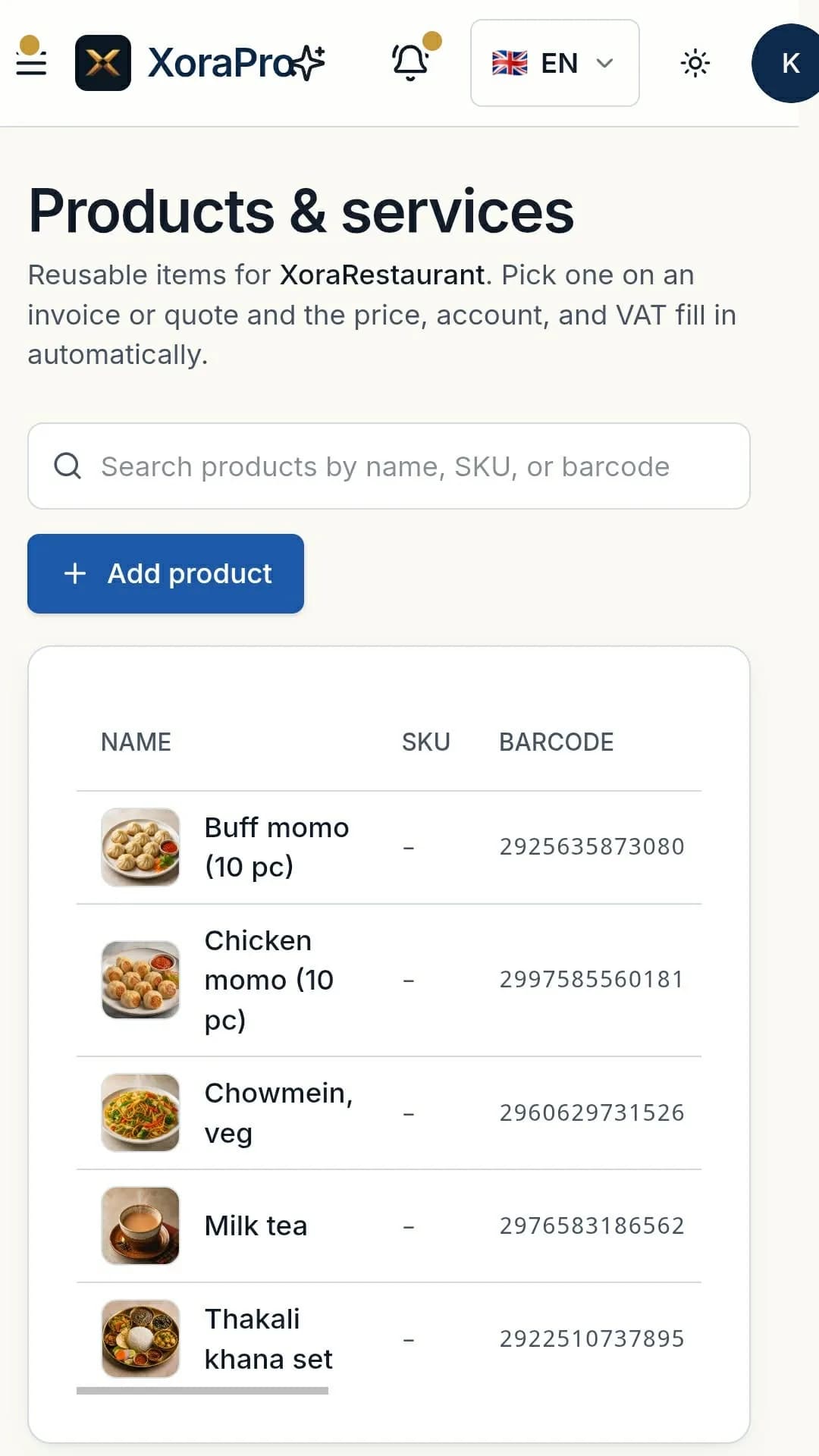
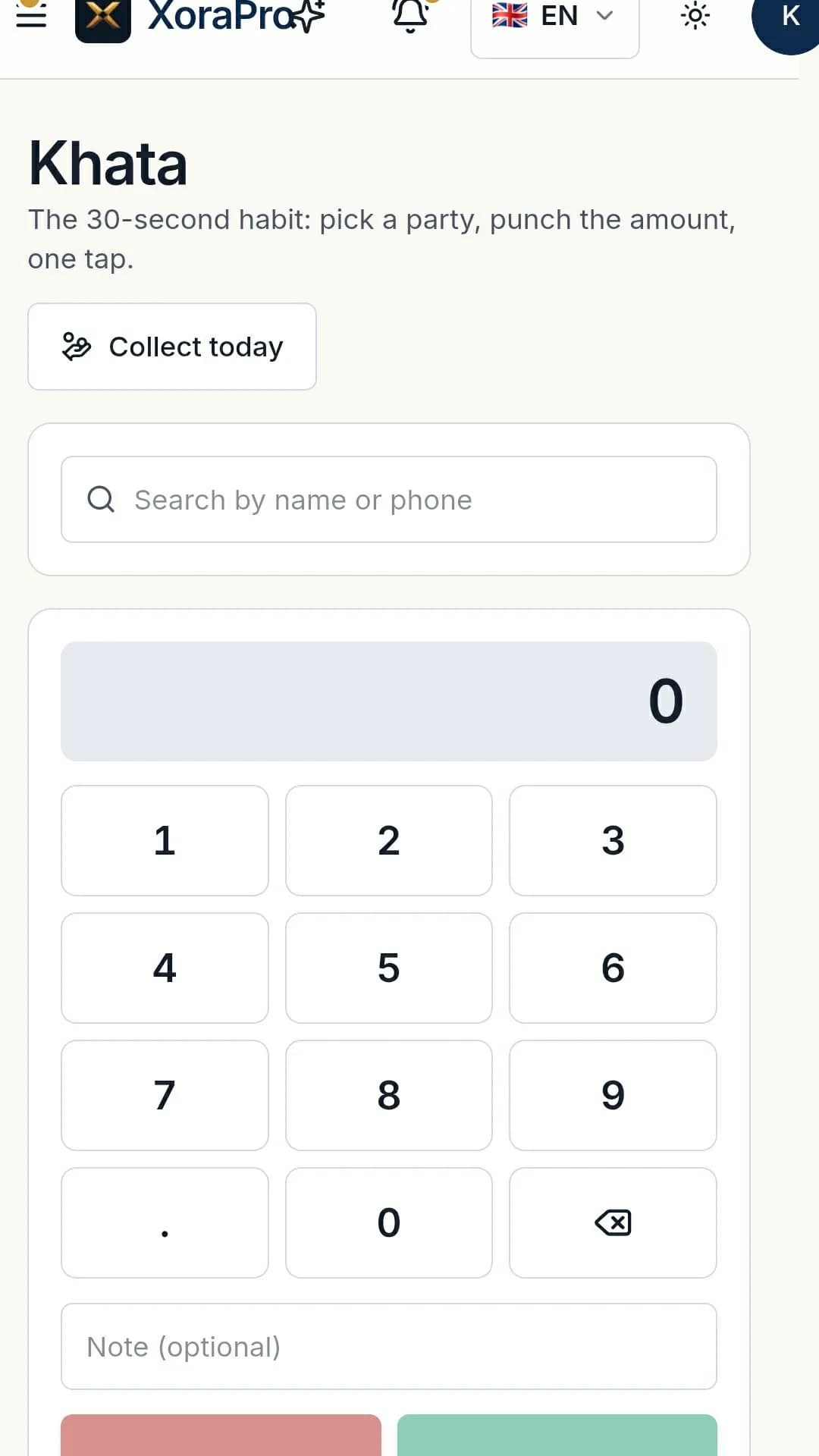
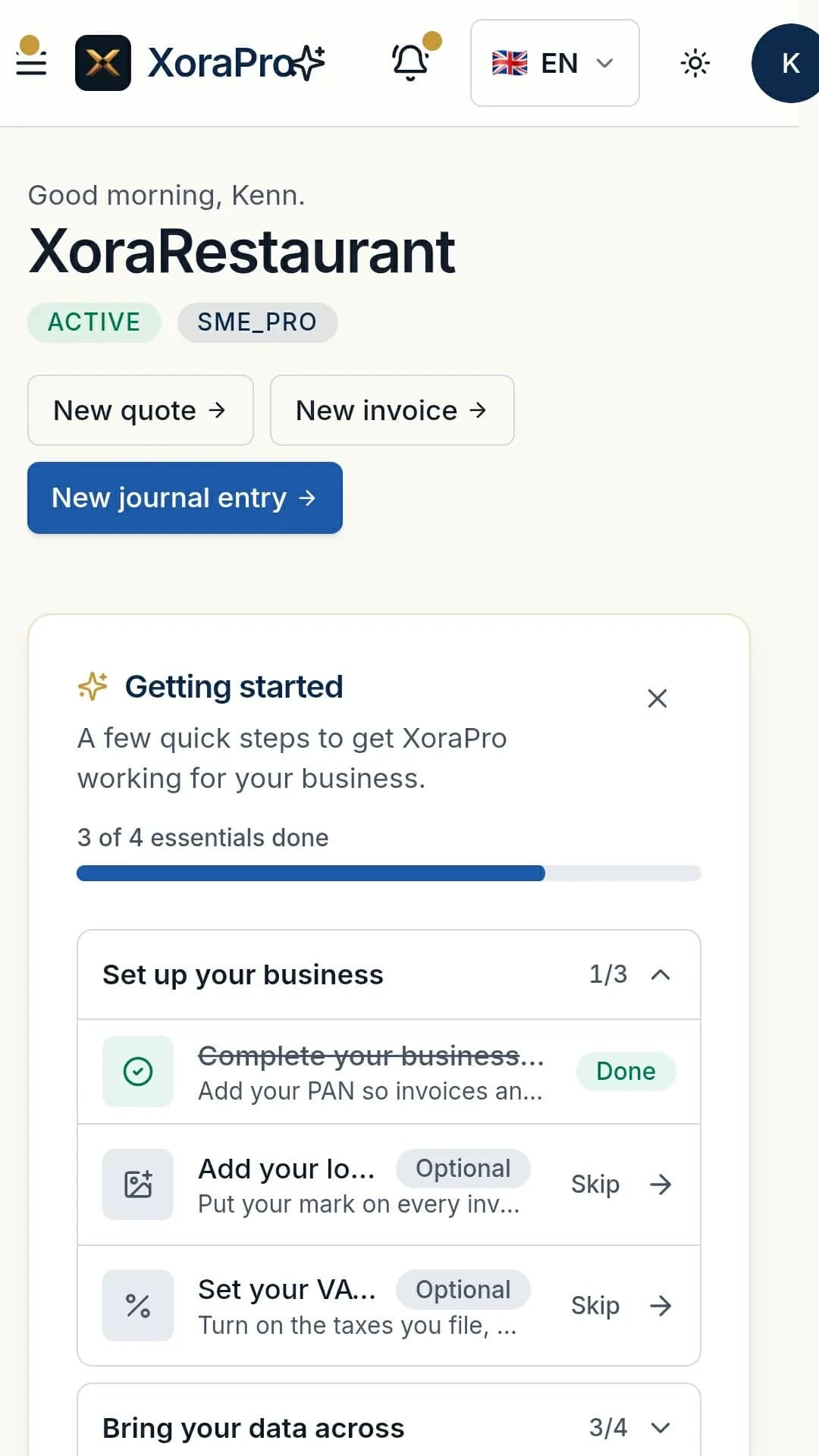
XoraPro is on Google Play. Install it from there, or straight from your browser. Both give you the same app.
You are already using the XoraPro app, so there is nothing to install. This page is for setting it up on another phone.
Install from Google Play
आफ्नो व्यवसाय अब आफ्नै फोनबाट चलाउनुहोस्।
The XoraPro app for Android phones. Free to install, in English and Nepali, and you sign in with the same account you use on the website.


Scan with your Android phone
- Free to install
- English and नेपाली
- Same account as the website
Or install from your browser
XoraPro also installs straight from Chrome or Safari, with its own icon on your home screen.
On an iPhone? The iPhone app is coming later. Until then, install XoraPro from Safari with the steps below.
Android
Use the Chrome browser
- 1Open Chrome and go to
xorapro.com - 2Tap the ⋮ menu (top-right)
- 3Tap Add to Home screen (or Install app)
- 4Tap Install to confirm
The XoraPro icon is now on your home screen.
iPhone
Use the Safari browser
- 1Open Safari and go to
xorapro.com - 2Tap the Share button (square with an up-arrow)
- 3Tap Add to Home Screen
- 4Tap Add (top-right)
The XoraPro icon is now on your home screen.
On iPhone, use Safari for this. On Android, use Chrome. Same app, same data on every device.